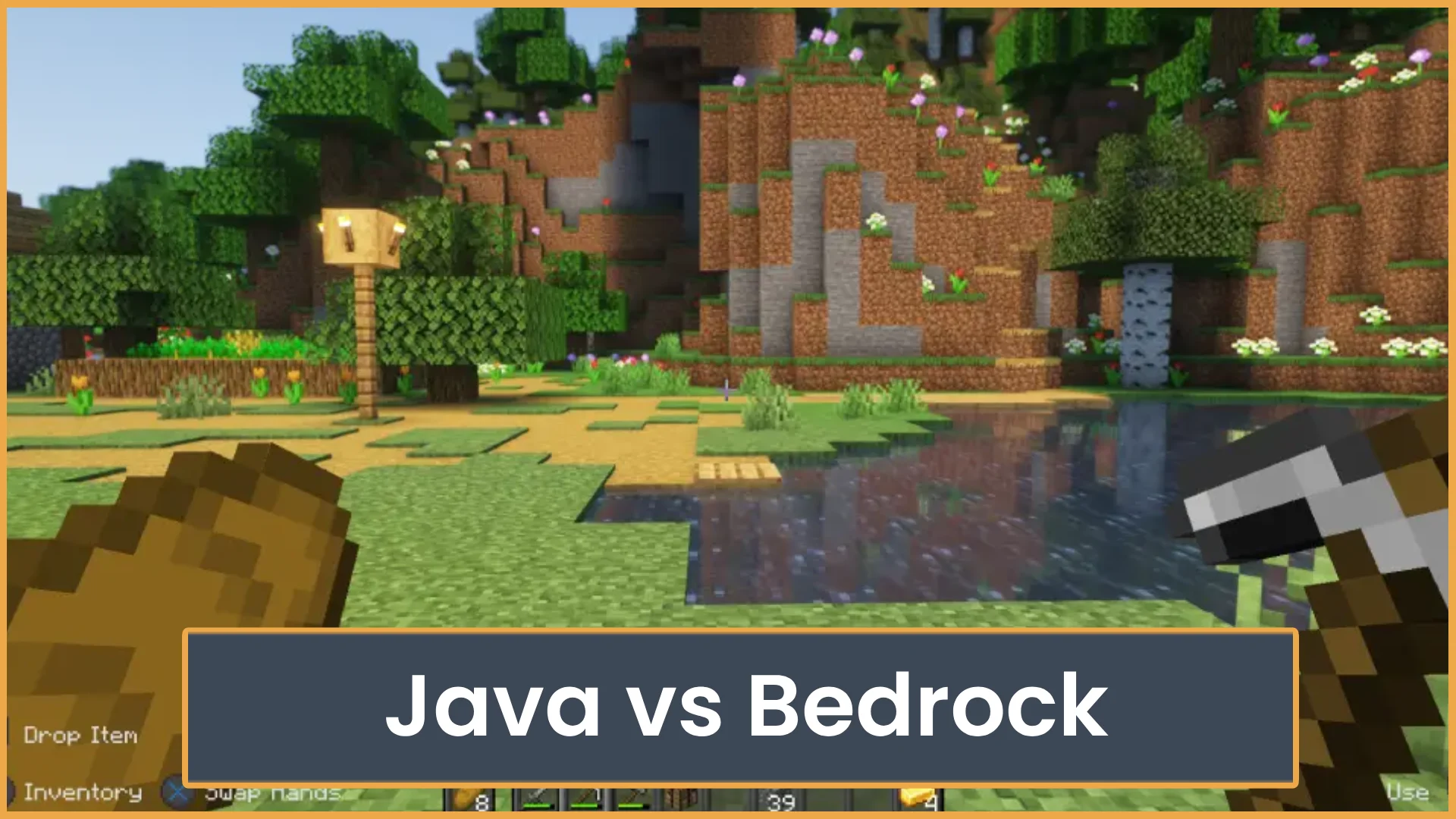
Minecraft Java vs Bedrock
Not sure which Minecraft edition to play? Compare Java and Bedrock for mods, servers, crossplay, performance, pricing, and player fit.
Minecraft Java vs Bedrock is one of the first choices new Minecraft players have to make. This guide will help you compare mods, servers, crossplay, performance, updates, pricing, and key features so you can pick the right edition.
Quick Answer:Pick Java Edition if you want mods, custom servers, snapshots, and more freedom on PC. Pick Bedrock Edition if you want crossplay with friends on console, mobile, and Windows. Both versions get major Minecraft updates, but they feel different to play.
Minecraft Java vs Bedrock: Quick Overview
The best edition depends on how you play. Some players care about mods. Some just want to join friends on Xbox, PlayStation, Switch, mobile, or PC. Others want smooth performance or easy multiplayer. Knowing the main differences can save you money and hassle.
Table of Contents
Main Guide
Java and Bedrock are both Minecraft. You mine, build, craft, fight mobs, and play survival or creative. The big difference is how each edition handles platforms, multiplayer, mods, and performance.
If your friends already play one edition, that matters most. Minecraft is better with friends. Pick the version that lets you join them without extra steps.
How It Works
Minecraft Java Edition is the older PC version. It runs on Windows, macOS, and Linux. It is known for mods, custom servers, technical play, and a huge PC community.
Minecraft Bedrock Edition is the version used on most other devices. It runs on Windows, Xbox, PlayStation, Nintendo Switch, iOS, Android, and more. It is built for crossplay and smooth performance on many devices.
Feature Java Edition Bedrock Edition Platforms Windows, macOS, Linux Windows, Xbox, PlayStation, Switch, mobile Crossplay Only with Java players by default Crossplay across supported devices Mods Best mod support Add-ons and Marketplace content Servers Huge custom server scene Featured servers and some custom servers Performance Can need more PC power Usually smoother on lower-end devices Updates Gets major updates Gets major updatesPlatforms and Crossplay
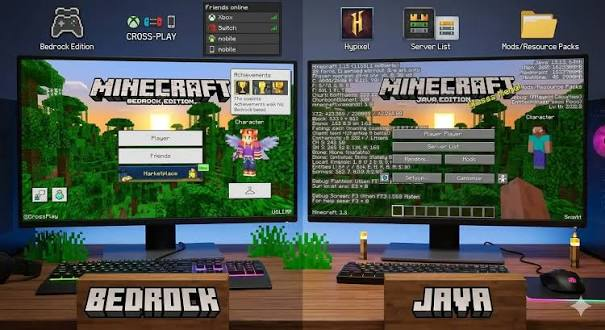
This is the biggest choice for many players.
Java is mainly for PC players. If your friends are on Java, you need Java to join them in the normal way. Java players on Windows, Mac, and Linux can play together.
Bedrock is made for crossplay. A player on Xbox can play with a friend on Switch, PlayStation, mobile, or Windows Bedrock. This makes Bedrock the better pick for friend groups with mixed devices.
There are some servers that let Bedrock players join Java servers using tools like Geyser. But this is not the normal setup. The server has to support it.
Mods and Add-ons
If you want heavy modding, Java wins.
Java has a massive mod scene. Players use mod loaders like Fabric, Forge, and Quilt. You can add new mobs, blocks, biomes, tech systems, magic, shaders, maps, and full modpacks.
Bedrock uses add-ons, resource packs, behavior packs, and Marketplace content. This is easier for casual players. It is also great for younger players who want simple downloads. But it is not as open as Java modding.
- Choose Java if you want big modpacks, free community mods, and deep control.
- Choose Bedrock if you want easy add-ons, Marketplace maps, skins, and cross-device play.
Servers and Multiplayer
Java has the strongest custom server scene. It is the home of many long-running survival, factions, skyblock, prison, minigame, anarchy, and PvP servers.
Java servers often use plugins to add custom ranks, claims, economies, crates, quests, jobs, and game modes. If you like deep server communities, Java gives you more choice.
Bedrock also has multiplayer servers. It includes Featured Servers on supported platforms. These are easy to join from the menu. Bedrock can also join some custom servers, but console players may have more limits when adding outside servers.
Realms are also available for both editions. Realms are simple private servers hosted by Mojang. They are good for small groups that want an easy setup.
Performance and Controls
Bedrock usually runs better on weaker hardware. It is built to work across phones, consoles, and Windows PCs. It can feel smoother if your device is not very strong.
Java can run well too, but it often needs more tuning. Many PC players use performance mods like Sodium, Lithium, or Iris for shaders. With the right setup, Java can look and run great.
Controls are also different. Bedrock supports controller, touch, and keyboard and mouse depending on the device. Java is built around keyboard and mouse. You can use workarounds for controllers on Java, but it is not as simple.
Updates and Features
Both editions get the main Minecraft updates. New mobs, blocks, biomes, and features usually come to both.
But they are not always the same in small details. Redstone, combat, commands, mob behavior, and some mechanics can work differently. This matters a lot for technical players and PvP players.
Java players can test future updates with snapshots. Bedrock players can test preview and beta versions on supported platforms. These test versions can be buggy, so do not use your main world unless you have a backup.
Pricing and Ownership
Pricing depends on your platform and store. On PC, Mojang sells Minecraft: Java & Bedrock Edition for PC, which gives Windows players access to both Java and Bedrock on PC.
Console and mobile versions are Bedrock and are bought through their own stores. If you own Minecraft on Switch, that does not mean you own it on Xbox or mobile. Always check the store before buying.
Also watch for online play rules. Consoles may need a platform online subscription for multiplayer. That is separate from Minecraft itself.
Best Options
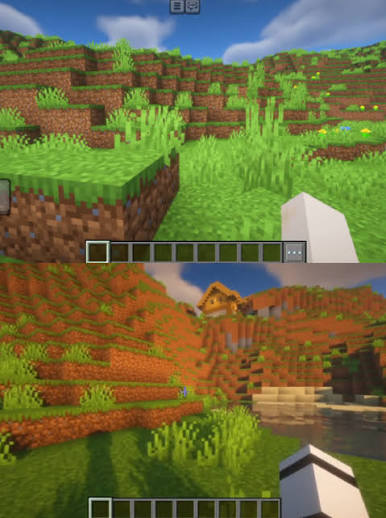
The best edition depends on your play style. Here is the simple breakdown.
- Best for mods: Java Edition.
- Best for crossplay: Bedrock Edition.
- Best for custom servers: Java Edition.
- Best for console and mobile players: Bedrock Edition.
- Best for technical redstone players: Java Edition.
- Best for younger players and families: Bedrock Edition.
- Best for low-end devices: Bedrock Edition, in most cases.
- Best if you play only on PC: Try both if your purchase includes both.
If you are a PC player and want the most freedom, Java is hard to beat. If you want to play with friends on many devices, Bedrock is the easier choice.
What to Look For
Before you choose, ask these questions:
- What device do I play on? Console and mobile players will use Bedrock.
- What edition do my friends use? This matters more than any feature list.
- Do I want mods? Pick Java if mods are a big deal.
- Do I want crossplay? Pick Bedrock if your group uses different devices.
- Do I care about custom servers? Java gives you more server freedom.
- Is my device weak? Bedrock may run better with less setup.
For many players, the choice is simple. Java is best for PC freedom. Bedrock is best for easy play across devices.
Tips for Players
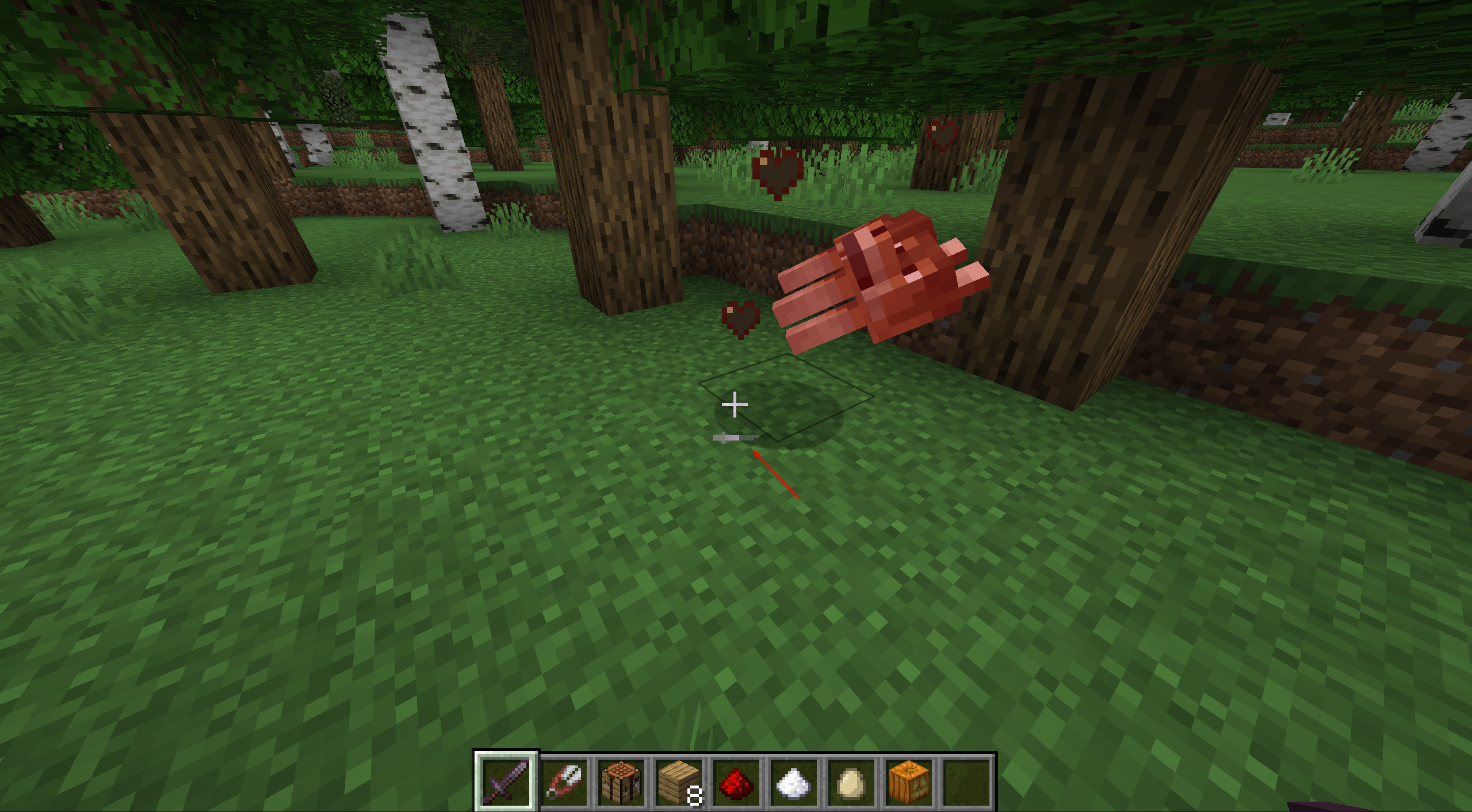
- Check your friends first: Before you buy, ask what edition your friends use. Java and Bedrock do not join each other by default.
- Use Java for modded Minecraft: If you want big modpacks, shaders, tech mods, or custom launchers, Java is the better pick.
- Use Bedrock for easy crossplay: If your group plays on console, mobile, and PC, Bedrock will be much easier.
- Back up your worlds: This matters most when testing snapshots, previews, mods, or add-ons.
- Try servers before you settle: A good server can change how the game feels. You can use ServerTilt to find active Minecraft servers and compare communities.
Common Mistakes
- Buying the wrong edition: Do not assume all Minecraft versions play together. Check the platform and edition before you pay.
- Thinking Bedrock has the same mods as Java: Bedrock has add-ons and Marketplace content, but Java has the bigger modding scene.
- Ignoring server rules: Some servers ban certain clients, mods, farms, or PvP tricks. Read the rules before joining.
- Expecting redstone to work the same: Java and Bedrock redstone can behave differently. Test builds before using them in survival.
- Using test versions on main worlds: Snapshots, betas, and previews can break things. Make a copy first.
FAQ
Is Minecraft Java better than Bedrock?
Java is better for mods, custom servers, and technical play on PC. Bedrock is better for crossplay, consoles, mobile, and smooth play on many devices. Neither one is best for every player.
Can Java and Bedrock players play together?
Not by default. Java players normally play with Java players. Bedrock players normally play with Bedrock players. Some servers use tools like Geyser to allow crossplay, but the server must support it.
Which edition is better for servers?
Java is better if you want the widest range of custom servers and plugins. Bedrock is better if you want easy access to Featured Servers and crossplay with console or mobile friends.
Which edition has better performance?
Bedrock often runs better on lower-end devices. Java can also run very well, but PC players may need performance mods or settings changes.
Do Java and Bedrock get the same updates?
Both editions get the main Minecraft updates. Small details can still be different, like redstone, combat, commands, and mob behavior.
Which edition should I buy on PC?
If you buy Minecraft for PC through the official store, it is sold as Minecraft: Java & Bedrock Edition for PC. That means Windows players can try both and use the one that fits their play style.
Final Thoughts
If you play on PC and want mods, deep servers, and more control, start with Java. If you want to play with friends across console, mobile, and Windows, choose Bedrock. The smart move is to pick the edition your friends and favorite servers use, then build from there.
What Is Minecraft Bedrock? Series
Explore the main guide and supporting tutorials.
What Is Minecraft Bedrock?
Learn what Minecraft Bedrock is, how cross-play works, and how it compares to Java Edition. Find out if Bedrock is the right version for you.
Minecraft Java vs Bedrock
Not sure which Minecraft edition to play? Compare Java and Bedrock for mods, servers, crossplay, performance, pricing, and player fit.
Fix Bedrock Mojang
What does “Fix Bedrock Mojang” mean? Here’s why Minecraft players are spamming the phrase everywhere and how Bedrock bugs turned it into a viral meme.
How to Play Minecraft Bedrock with Friends
Learn how to play Minecraft Bedrock with friends using invites, Realms, servers, or LAN. This guide also covers cross-play, settings, and common join issues.
Is Minecraft Bedrock Cross Platform?
Yes, Minecraft Bedrock is cross platform. See which devices can play together, what accounts you need, and why Java Edition is different.
Related Articles
Fix Bedrock Mojang
What does “Fix Bedrock Mojang” mean? Here’s why Minecraft players are spamming the phrase everywhere and how Bedrock bugs turned it into a viral meme.
How to Play Minecraft Bedrock with Friends
Learn how to play Minecraft Bedrock with friends using invites, Realms, servers, or LAN. This guide also covers cross-play, settings, and common join issues.
Is Minecraft Bedrock Cross Platform?
Yes, Minecraft Bedrock is cross platform. See which devices can play together, what accounts you need, and why Java Edition is different.
What Is Minecraft Bedrock?
Learn what Minecraft Bedrock is, how cross-play works, and how it compares to Java Edition. Find out if Bedrock is the right version for you.