 Browse Games
 List Your Server Free
Minecraft
113 public servers
 Game Directory
Explore game hubs, compare live server activity, and move from discovery to promotion with built-in growth tools.
Directory Highlights
Popular game categories with active public communities.
113 public servers
64 public servers
35 public servers
25 public servers
16 public servers
10 public servers
7 public servers
4 public servers
Fresh Gaming Updates from across ServerTilt.
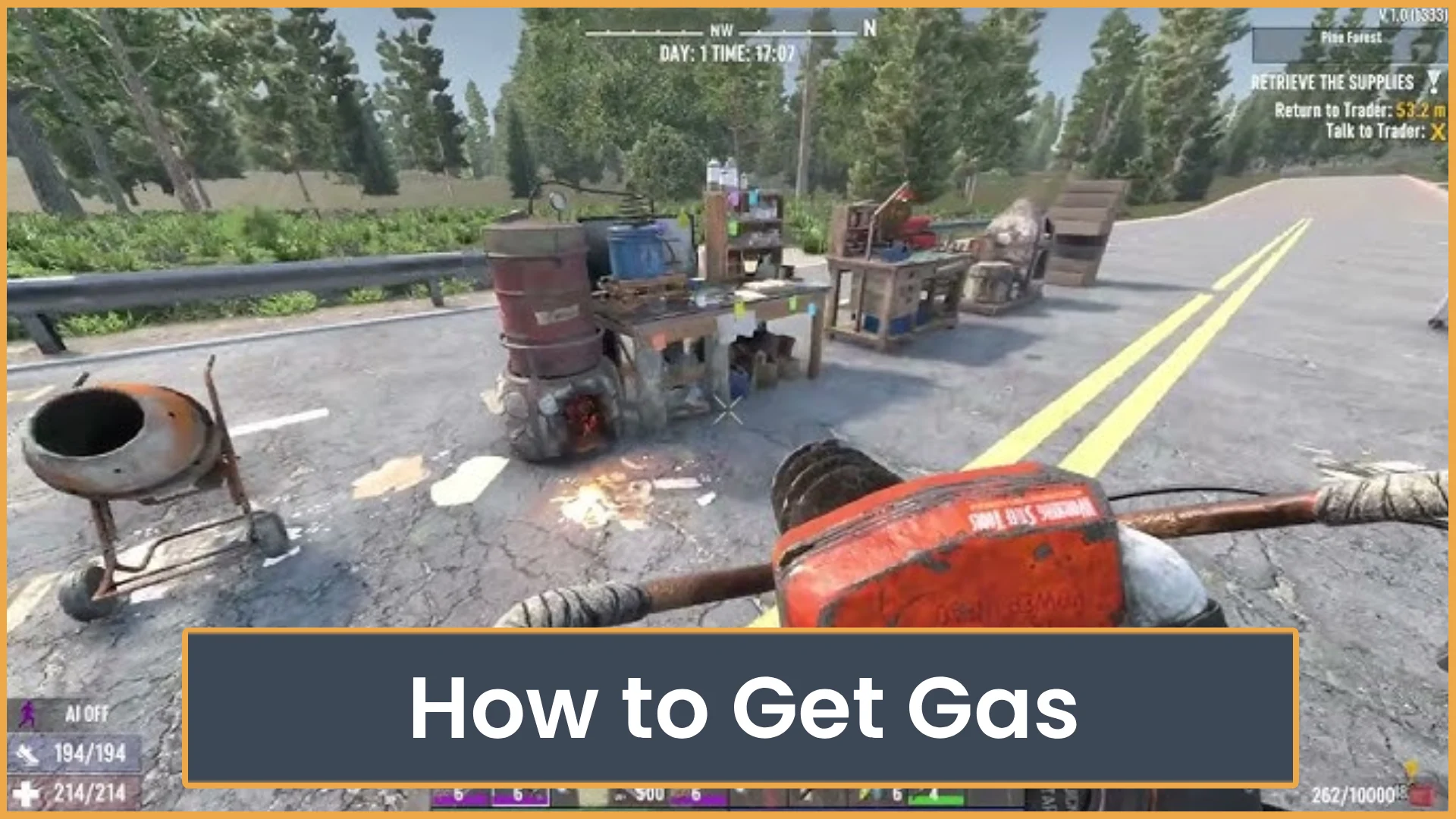
Learn how to get gas in 7 Days to Die by looting cars, wrenching vehicles, buying from traders, and crafting fuel from oil shale.

Get smoother Roblox gameplay with simple graphics and device tweaks. Learn what to change, how to test it, and which risky FPS fixes to avoid.
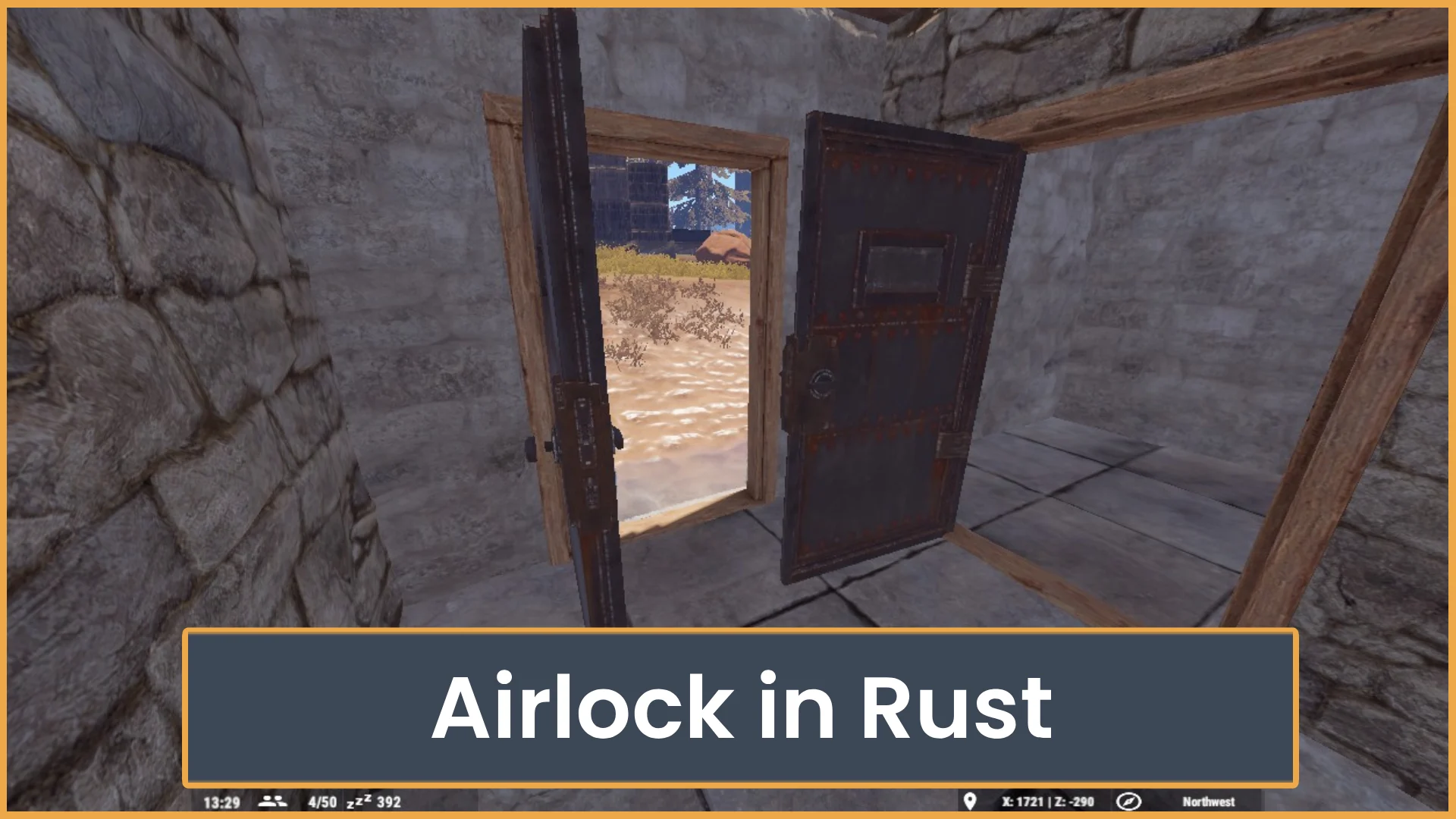
Learn how to build a simple Rust airlock that protects your starter base from door campers. See the best layout, door choices, and common mistakes to avoid.
What does “Fix Bedrock Mojang” mean? Here’s why Minecraft players are spamming the phrase everywhere and how Bedrock bugs turned it into a viral meme.
For Server Owners
Pick one qualified next step based on your current growth stage.

Get discovered by new players &grow your community.

Earn credits through activity andspend them on promotions.

Unlock more exposure and perksas your community grows.
 Trusted by communities that combine listing visibility with repeat vote and credit activity.
FAQ
Quick answers for players and server owners getting started on ServerTilt.
ServerTilt is a game server directory where players can discover active communities and owners can list and grow their servers.
Create an account, open your dashboard, and use Add Your Server to submit your listing details.
Players vote on server pages, and counted votes help improve visibility in directory listings.
Tilt Credits are platform credits used for features like boosts, promotions, and shop purchases.
Yes. Browsing servers and listing a server are free, with optional paid upgrades for extra exposure.