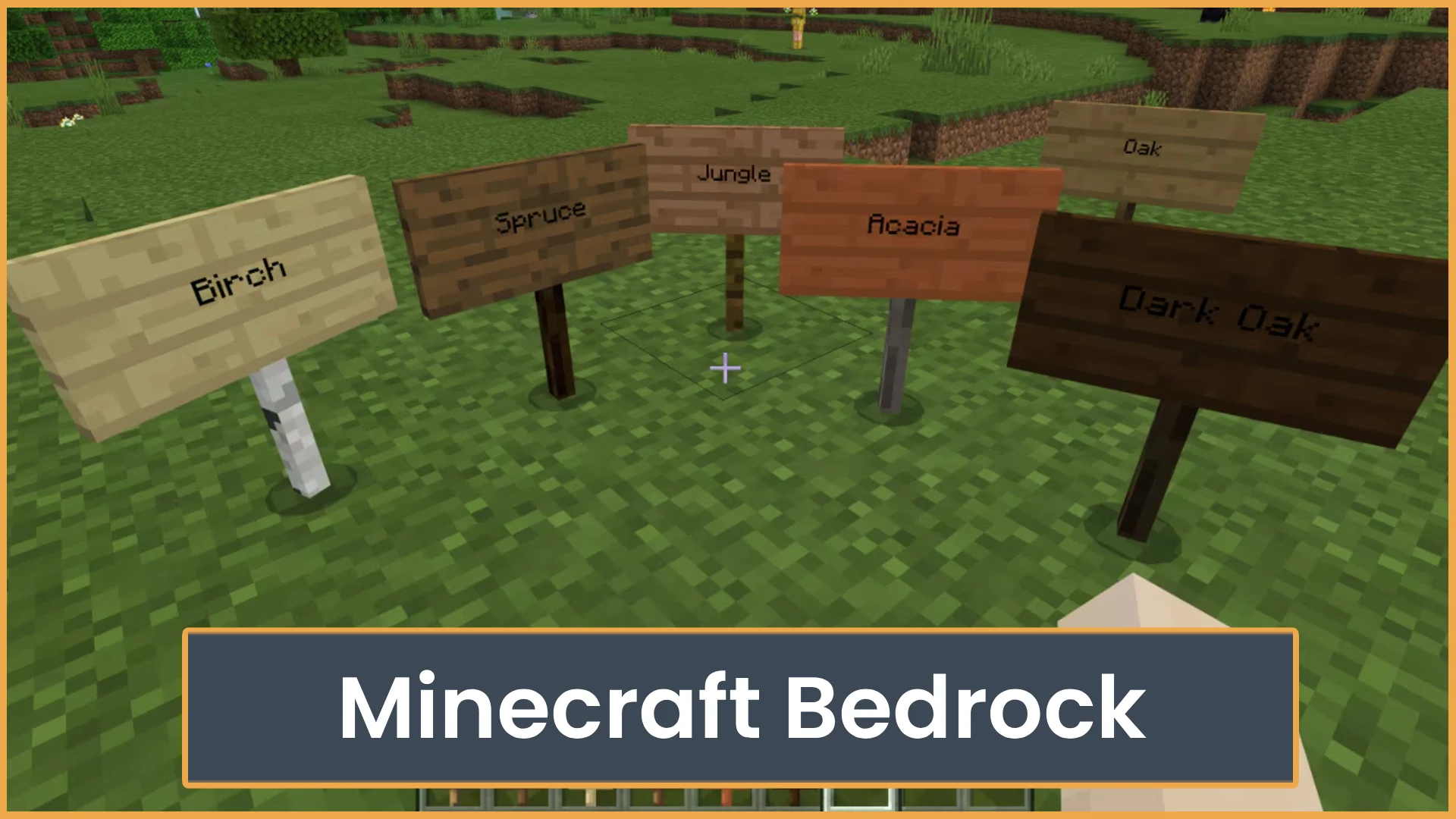
What Is Minecraft Bedrock?
Learn what Minecraft Bedrock is, how cross-play works, and how it compares to Java Edition. Find out if Bedrock is the right version for you.
Minecraft Bedrock is the version of Minecraft made for cross-platform play on console, mobile, Windows, and more. In this guide, you will learn what it is, how it works, which platforms support it, and how it compares to Java Edition.
Quick Answer:Minecraft Bedrock is the main cross-play version of Minecraft. It lets players join friends across Xbox, PlayStation, Nintendo Switch, mobile, Windows, and other supported devices. It also has access to the Minecraft Marketplace, featured servers, and smooth performance on many platforms.
Minecraft Bedrock Quick Overview
Minecraft has more than one edition, and that can be confusing for new players. Bedrock Edition matters because it is the easiest way for many players to play together. If your friends are on different devices, Bedrock is usually the version you want.
It is also the version most console and mobile players use. It supports controller, touch, and keyboard controls depending on your device. It also connects with a Microsoft account for online play, friends, and cross-platform invites.
Table of Contents
Main Guide
Minecraft Bedrock is one of the main editions of Minecraft. It is built on the Bedrock codebase, which is made to run on many devices. That is why it works well for players who want to play with friends across console, mobile, and Windows.
If you buy Minecraft on most modern consoles or mobile stores, you are usually getting Bedrock Edition. On Windows, it is often called Minecraft for Windows. It is different from Minecraft: Java Edition, even though both versions share the same core idea.
How It Works
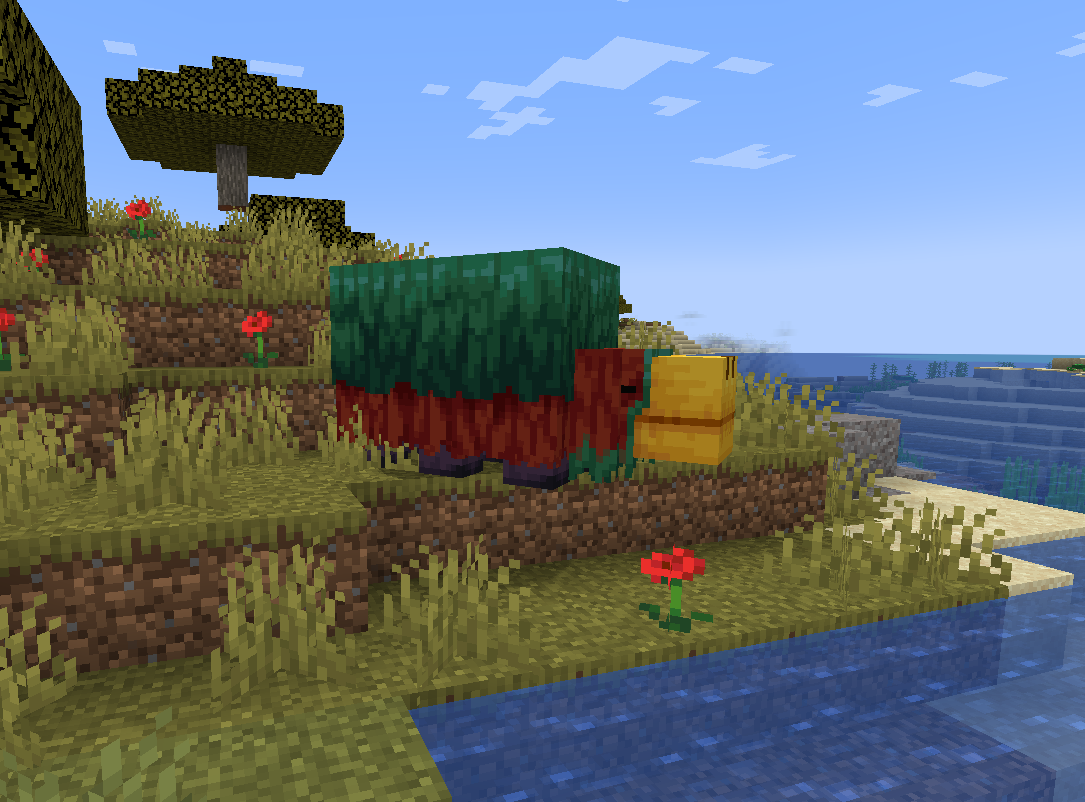
Bedrock Edition uses a Microsoft account for online features. This lets you add friends, send invites, join Realms, and play on supported servers. It also helps connect players across different devices.
For example, one player can be on Xbox, another can be on Nintendo Switch, and another can be on a phone. If they are using Bedrock and have the right online setup, they can play in the same world.
Bedrock supports these types of play:
- Single-player worlds: Play alone and build at your own pace.
- Local multiplayer: Play on the same network with nearby friends.
- Online friends: Invite friends to your world through your Microsoft account.
- Realms: Rent a private world that stays online for invited players.
- Featured servers: Join large public servers from the in-game server list.
- Dedicated servers: Some players and communities host their own Bedrock servers.
Console players may need an online service to play multiplayer. This can include services like Nintendo Switch Online or PlayStation Plus, depending on the platform. Rules can change, so check your console store before you buy.
Supported Platforms
Bedrock is popular because it is on many devices. This makes it easier for families, friend groups, and server communities to play together.
Common Bedrock platforms include:
- Windows
- Xbox consoles
- PlayStation consoles
- Nintendo Switch
- iOS devices
- Android devices
- Fire tablets and other supported mobile devices
- Chromebook on supported models
Not every device has the same controls or performance. A phone player may use touch controls. A console player may use a controller. A Windows player may use keyboard and mouse. This can affect PvP, building speed, and how easy menus feel.
Cross-Play in Bedrock
Cross-play is the biggest reason many players choose Bedrock. It lets people on different platforms join the same game. This is great if your friends do not all play on the same device.
To use cross-play, players usually need:
- A copy of Bedrock Edition on each device.
- A Microsoft account for online play.
- The same current game version.
- Online multiplayer settings turned on.
- A stable internet connection.
If a friend cannot join, check the version first. Minecraft updates often roll out close together, but one device may update before another. If versions do not match, joining may fail.
Minecraft Marketplace
Bedrock includes the Minecraft Marketplace. This is an in-game store for official and creator-made content. Players can find skins, texture packs, worlds, mini-games, mash-up packs, and add-ons.
Some Marketplace content is free. Some costs Minecoins or a direct purchase, depending on your platform. Content from the Marketplace is easier to install than Java mods, but it is also more limited than full Java modding.
Marketplace content is good for players who want simple setup. You can browse, buy, download, and play from inside the game. This is helpful for younger players or console users who do not want to manage files.
Bedrock vs Java Edition
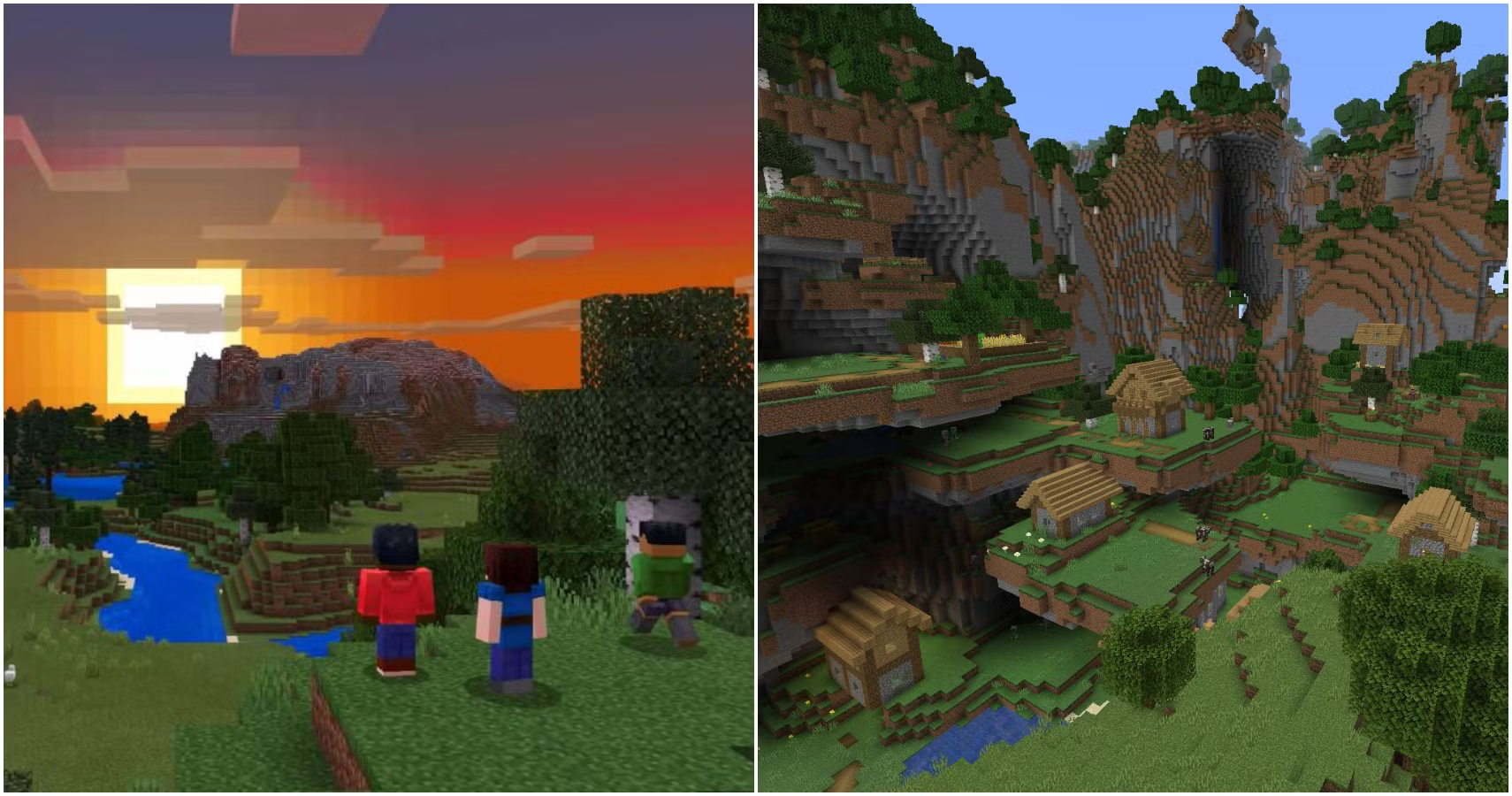
Bedrock and Java are both Minecraft, but they are not the same version. You can build, mine, craft, fight mobs, and beat the Ender Dragon in both. But the way they handle servers, mods, redstone, and combat can feel different.
Feature Bedrock Edition Java Edition Platforms Console, mobile, Windows, and more Windows, macOS, and Linux Cross-play Strong cross-platform support Mainly PC players only Marketplace Built-in Marketplace No Bedrock Marketplace Mods Add-ons and Marketplace content Large modding scene Servers Featured servers and Bedrock servers Many custom community servers Redstone Works differently in some builds More common for technical builds Performance Runs well on many devices Can need more tuning on PCIf you love heavy modpacks, custom launchers, or technical farms, Java may fit you better. If you want easy cross-play with friends, Bedrock is often the better pick.
Best Options
The best option depends on how you want to play. There is no single right answer for every player.
- Choose Bedrock if you play with friends on different devices. This is the main reason to use it.
- Choose Bedrock if you play on console or mobile. It is the standard version for most of those platforms.
- Choose Bedrock if you want easy store content. The Marketplace makes maps and skins simple to use.
- Choose Bedrock Realms if you want a private world. Realms are good for small friend groups.
- Try featured servers if you like mini-games. They are easy to join from the server menu.
For families, Bedrock is also a strong choice. It has simple friend invites, built-in content, and works on many devices. Parents can also manage account settings through Microsoft family tools.
What to Look For
Before you choose Bedrock, check how you plan to play. This can save you money and time.
- Your friends’ edition: Bedrock players cannot normally join Java servers, and Java players cannot normally join Bedrock worlds.
- Your device: Make sure Minecraft is supported on your platform.
- Online access: Console multiplayer may need a paid online service.
- Server access: Some platforms have fewer server options than others.
- Controls: Touch, controller, and keyboard all feel different.
- Marketplace purchases: Check where your content works before buying.
- Version updates: Friends need matching versions for smooth multiplayer.
You should also think about what kind of player you are. Builders may care more about texture packs and worlds. PvP players may care about input delay and controls. Survival players may care about farms, mob spawning, and server stability.
Player Advice
If you are new, start with a normal survival world. Learn the controls, crafting, food, mobs, and mining first. Then try multiplayer once you feel comfortable.
If you are joining friends, ask what platform and edition they use. Do this before you buy. The name “Minecraft” can be confusing because Java and Bedrock are separate for multiplayer.
If you want to join public servers, start with the featured server list in the game. These servers are easy to find and do not need extra setup. For community servers, make sure the server supports Bedrock players.
Tips for Players
- Check your edition before joining friends: Make sure everyone is on Bedrock Edition. Java and Bedrock do not normally join the same worlds or servers.
- Keep your game updated: If one player is on an older version, invites may not work. Update Minecraft before a group session.
- Use a Microsoft account for multiplayer: This helps with friend lists, invites, Realms, and cross-play.
- Test controls before PvP: Touch, controller, and keyboard feel very different. Try your settings in a safe world first.
- Read Marketplace details: Check if a pack is a skin, world, texture pack, or add-on before you spend Minecoins.
Common Mistakes
- Buying the wrong edition: If your friends play on console or mobile, they are likely on Bedrock. Check first so you do not buy Java by mistake.
- Thinking all servers work on all editions: Many servers are Java-only or Bedrock-only. Look for servers that clearly support your edition.
- Ignoring account settings: If multiplayer is blocked, check Microsoft privacy settings and your console family settings.
- Expecting Java mods to work: Java mods do not work the same way on Bedrock. Bedrock uses add-ons and Marketplace content instead.
- Forgetting about platform limits: Some consoles make it harder to add custom servers. Featured servers are the easiest option on console.
FAQ
Is Minecraft Bedrock the same as normal Minecraft?
For many players, yes. On console, mobile, and Windows, the version called “Minecraft” is usually Bedrock Edition. Java Edition is the separate PC version called Minecraft: Java Edition.
Can Bedrock players play with Java players?
Not by default. Bedrock and Java use different systems. Some community servers use special tools to allow both editions, but that is not normal vanilla multiplayer.
Is Bedrock better than Java?
It depends on how you play. Bedrock is better for cross-play, console, mobile, and easy Marketplace content. Java is better for deep modding, custom servers, and many technical Minecraft builds.
Does Minecraft Bedrock have servers?
Yes. Bedrock has featured servers in the game menu. Some communities also run Bedrock servers. You can use ServerTilt to find active Minecraft servers and compare communities before joining.
Do I need Xbox Live to play Bedrock online?
You need a Microsoft account for many online features. On consoles, you may also need that console’s online service for multiplayer. Check your platform’s store for the current rules.
Can I use mods in Bedrock Edition?
Bedrock does not use Java-style mods. It supports add-ons, behavior packs, resource packs, and Marketplace content. These can change the game, but they are usually easier and more limited than Java mods.
Final Thoughts
Minecraft Bedrock is the best pick if you want simple cross-play with friends on different devices. Before you buy or join a server, check your platform, edition, account settings, and multiplayer access. Once that is set, you can jump into survival worlds, Realms, featured servers, or custom Bedrock communities with fewer headaches.
What Is Minecraft Bedrock? Series
Explore the main guide and supporting tutorials.
What Is Minecraft Bedrock?
Learn what Minecraft Bedrock is, how cross-play works, and how it compares to Java Edition. Find out if Bedrock is the right version for you.
Fix Bedrock Mojang
What does “Fix Bedrock Mojang” mean? Here’s why Minecraft players are spamming the phrase everywhere and how Bedrock bugs turned it into a viral meme.
How to Play Minecraft Bedrock with Friends
Learn how to play Minecraft Bedrock with friends using invites, Realms, servers, or LAN. This guide also covers cross-play, settings, and common join issues.
Is Minecraft Bedrock Cross Platform?
Yes, Minecraft Bedrock is cross platform. See which devices can play together, what accounts you need, and why Java Edition is different.
Minecraft Java vs Bedrock
Not sure which Minecraft edition to play? Compare Java and Bedrock for mods, servers, crossplay, performance, pricing, and player fit.
Related Articles
Is Minecraft Bedrock Cross Platform?
Yes, Minecraft Bedrock is cross platform. See which devices can play together, what accounts you need, and why Java Edition is different.
Fix Bedrock Mojang
What does “Fix Bedrock Mojang” mean? Here’s why Minecraft players are spamming the phrase everywhere and how Bedrock bugs turned it into a viral meme.
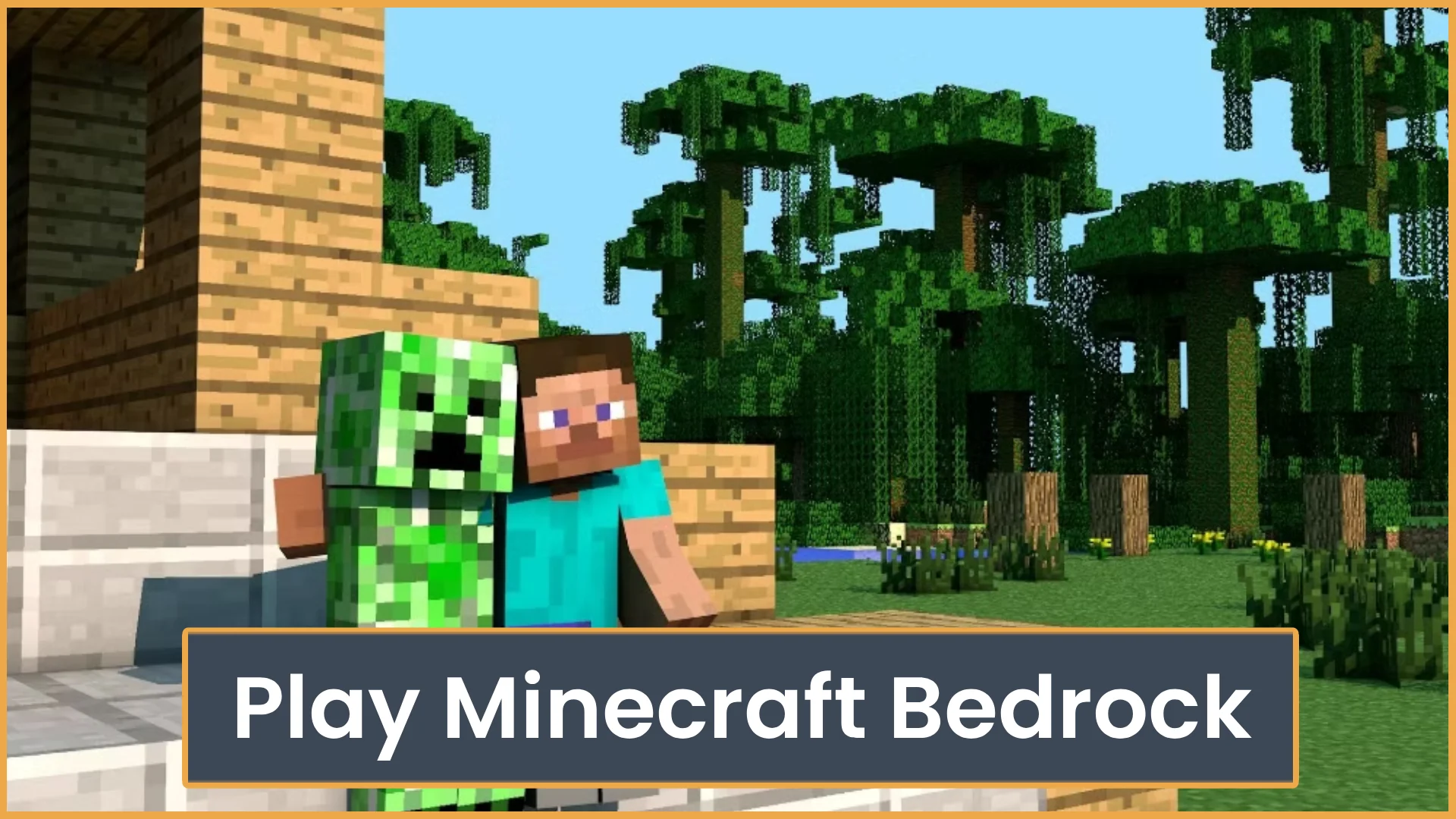
How to Play Minecraft Bedrock with Friends
Learn how to play Minecraft Bedrock with friends using invites, Realms, servers, or LAN. This guide also covers cross-play, settings, and common join issues.
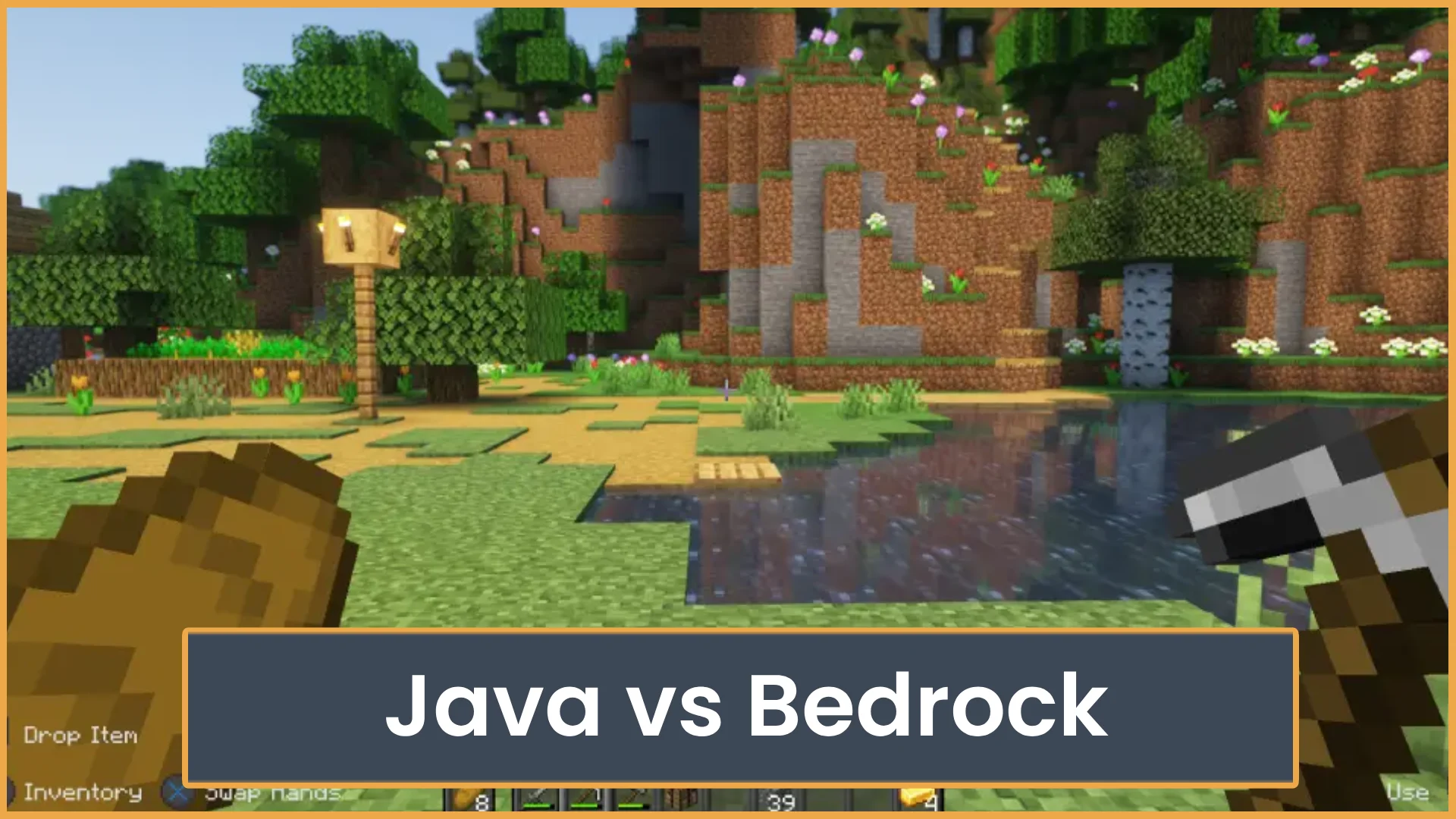
Minecraft Java vs Bedrock
Not sure which Minecraft edition to play? Compare Java and Bedrock for mods, servers, crossplay, performance, pricing, and player fit.