How to Play Minecraft Bedrock with Friends
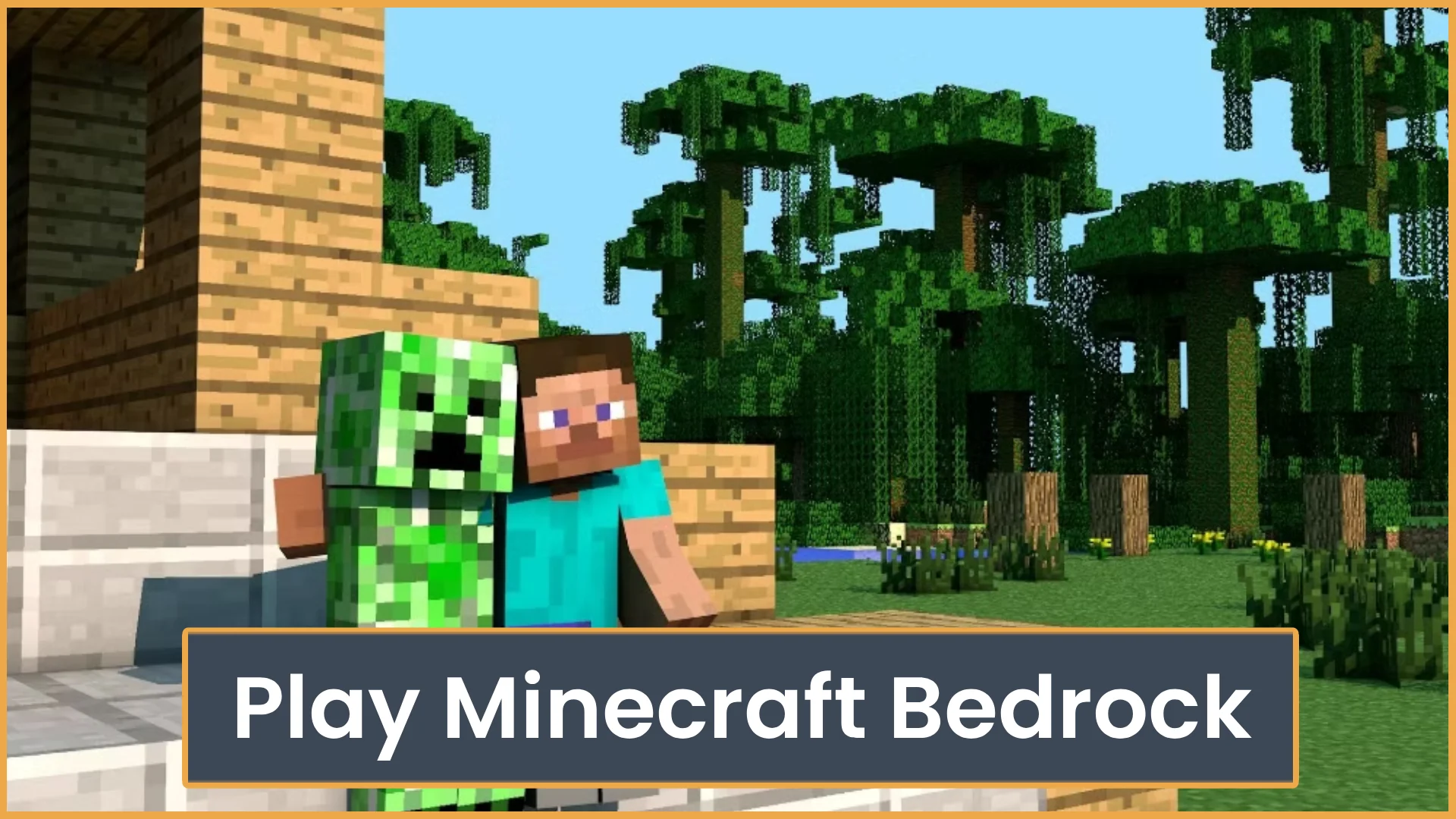
Learn how to play Minecraft Bedrock with friends using invites, Realms, servers, or LAN. This guide also covers cross-play, settings, and common join issues.
School server of al yasmina academy I have to use 500 characters for this server to work so idk what to type. blah blah blah blah Saooody is the coolest blah blah blah

Minecraft server profile
School server of al yasmina academy
I have to use 500 characters for this server to work so idk what to type.
blah blah blah blah Saooody is the coolest blah blah blah
Quick answers based on this server's current listing data.
School server is listed at schoolserver121.minekeep.gg:25565. Use this address in your client to connect.
Open your Minecraft client, add a multiplayer server, and join using schoolserver121.minekeep.gg:25565.
A public country or region is not currently listed. Connect using schoolserver121.minekeep.gg:25565.
School server currently lists support for: Latest.
School server currently lists these modes/types: SMP, Survival, Vanilla.
Learn how to play Minecraft Bedrock with friends using invites, Realms, servers, or LAN. This guide also covers cross-play, settings, and common join issues.
Yes, Minecraft Bedrock is cross platform. See which devices can play together, what accounts you need, and why Java Edition is different.
Not sure which Minecraft edition to play? Compare Java and Bedrock for mods, servers, crossplay, performance, pricing, and player fit.
ServerTilt is an independent platform and is not affiliated with, endorsed by, or sponsored by Minecraft or its rights holders.