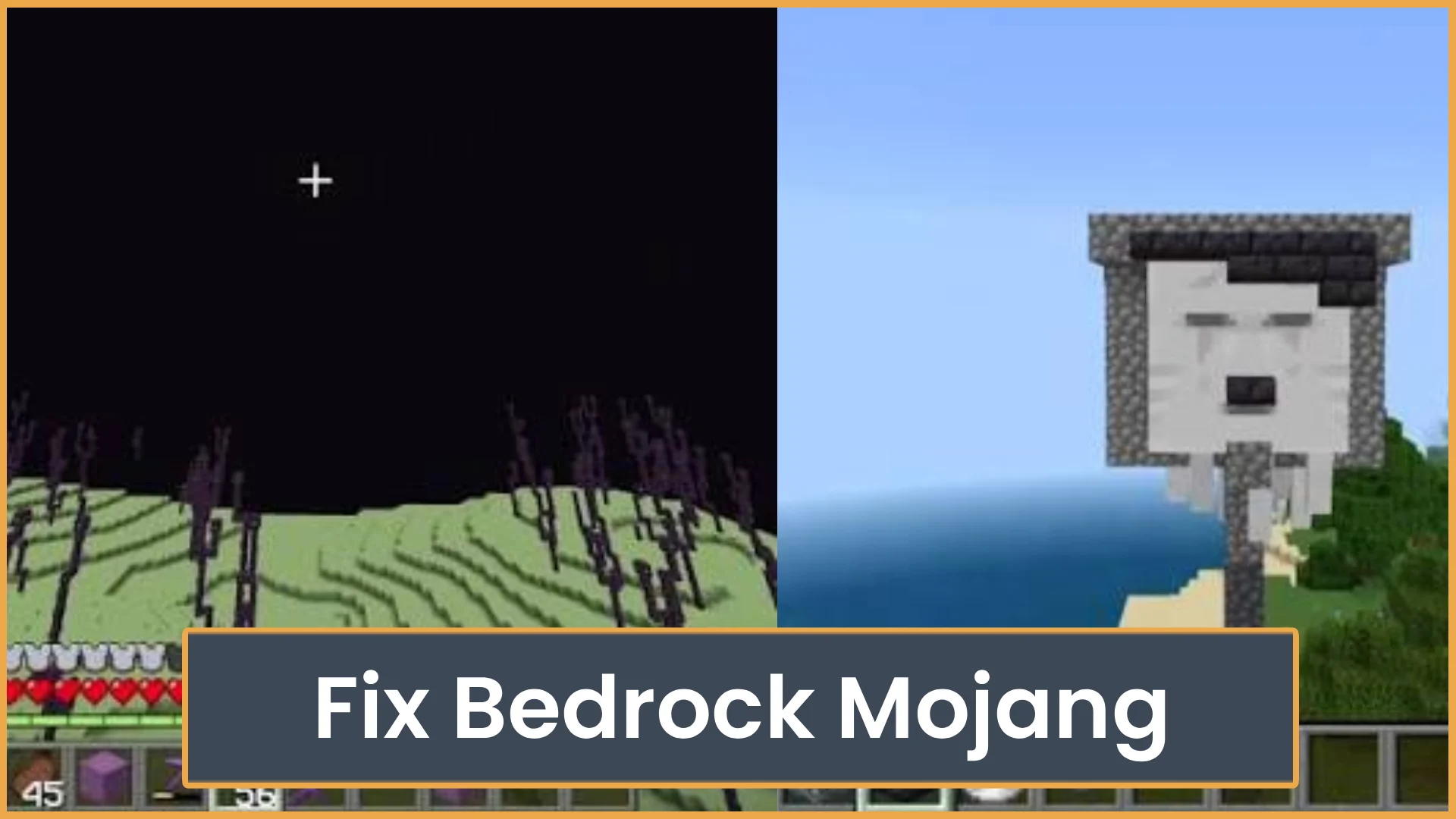
Fix Bedrock Mojang
What does “Fix Bedrock Mojang” mean? Here’s why Minecraft players are spamming the phrase everywhere and how Bedrock bugs turned it into a viral meme.

AkumaMC - [1.8 - 1.21 Bedrock Support] - The BEST #1 RATED Minecraft Server delivering an epic multiplayer experience with THE BEST ★ Prison ★ Skyblock ★ Friendly Staff ★ Zero Lag ★ Daily Events ★ and MUCH MORE at Java IP: akumamc.net | Bedrock IP: bedrock.akumamc.net Join NOW! For some amazing fun!!!!!!
Minecraft server profile
AkumaMC - [1.8 - 1.21 Bedrock Support] - The BEST #1 RATED Minecraft Server delivering an epic multiplayer experience with THE BEST ★ Prison ★ Skyblock ★ Friendly Staff ★ Zero Lag ★ Daily Events ★ and MUCH MORE at Java IP: akumamc.net | Bedrock IP: bedrock.akumamc.net Join NOW! For some amazing fun!!!!!!
Quick answers based on this server's current listing data.
AkumaMC is listed at akumamc.net:25565. Use this address in your client to connect.
Open your Minecraft client, add a multiplayer server, and join using akumamc.net:25565.
A public country or region is not currently listed. Connect using akumamc.net:25565.
You can visit the official site at https://akumamc.net.
AkumaMC currently lists support for: Latest.
AkumaMC currently lists these modes/types: Network, Prison, Skyblock.
What does “Fix Bedrock Mojang” mean? Here’s why Minecraft players are spamming the phrase everywhere and how Bedrock bugs turned it into a viral meme.
Learn how to play Minecraft Bedrock with friends using invites, Realms, servers, or LAN. This guide also covers cross-play, settings, and common join issues.
Yes, Minecraft Bedrock is cross platform. See which devices can play together, what accounts you need, and why Java Edition is different.
ServerTilt is an independent platform and is not affiliated with, endorsed by, or sponsored by Minecraft or its rights holders.