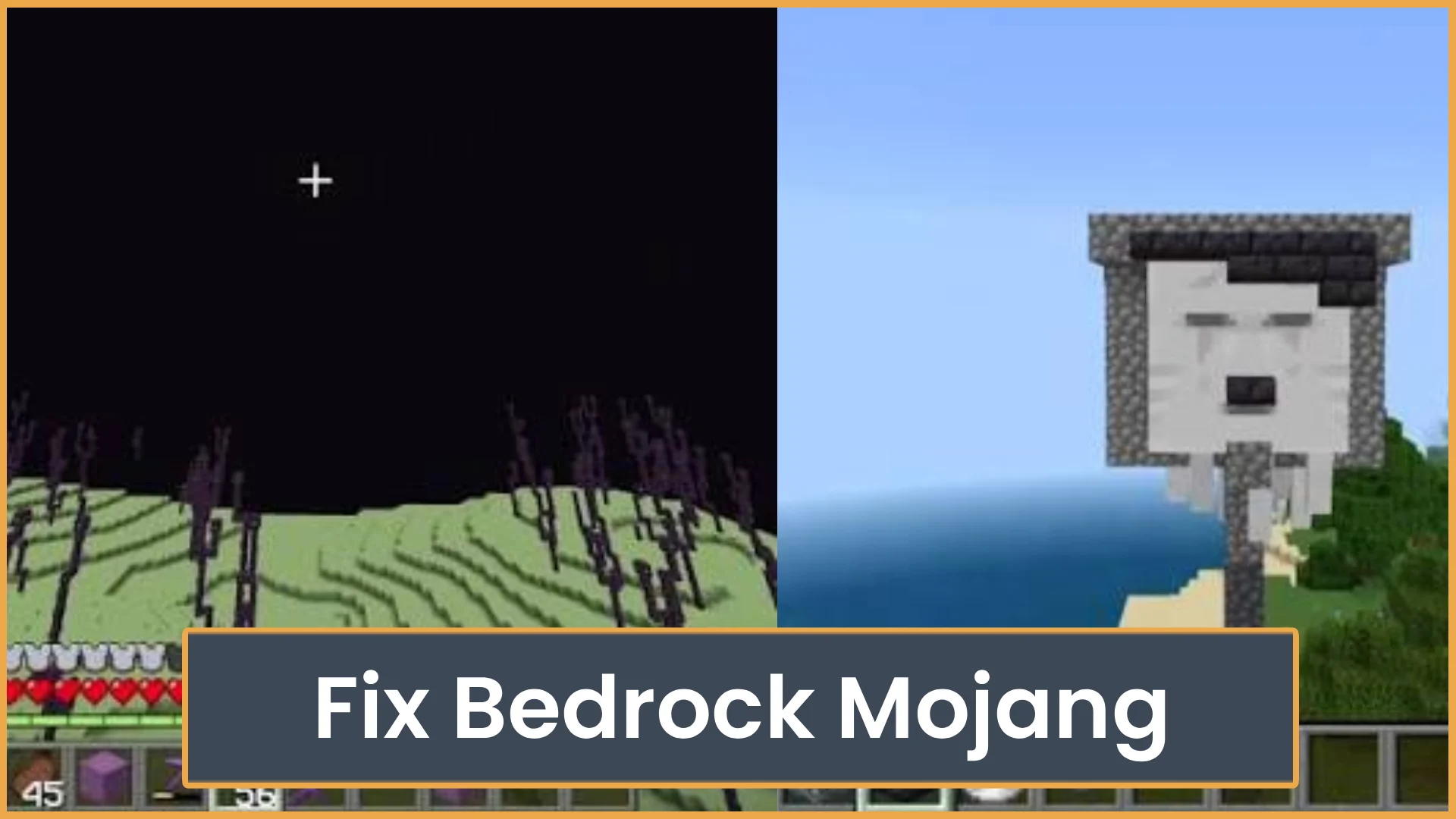
Fix Bedrock Mojang
What does “Fix Bedrock Mojang” mean? Here’s why Minecraft players are spamming the phrase everywhere and how Bedrock bugs turned it into a viral meme.
Join the Poopy Squad community in Minecraft, where you can connect with others and enjoy a variety of gameplay experiences. Whether you prefer building in Creative mode, participating in Mini Games, or exploring in Survival and SMP, there is something for everyone. Our server runs on the latest version, ensuring you have access to the newest features. What to expect: - A welcoming community for players of all skill levels - Diverse gameplay options, including Creative, Mini Games, SMP, Survival, and Vanilla - Regular updates to keep the server fresh and engaging Come and make new friends while enjoying your favorite Minecraft activities!

Minecraft server profile
Join the Poopy Squad community in Minecraft, where you can connect with others and enjoy a variety of gameplay experiences. Whether you prefer building in Creative mode, participating in Mini Games, or exploring in Survival and SMP, there is something for everyone. Our server runs on the latest version, ensuring you have access to the newest features.
What to expect:
- A welcoming community for players of all skill levels
- Diverse gameplay options, including Creative, Mini Games, SMP, Survival, and Vanilla
- Regular updates to keep the server fresh and engaging
Come and make new friends while enjoying your favorite Minecraft activities!
Use the arrow keys to explore each history observation, Home and End for the first and last, or Page Up and Page Down to move ten observations. Hover or touch the chart for the same details.
Quick answers based on this server's current listing data.
Poopy Squad is listed at franixserver.aternos.net:19132. Use this address in your client to connect.
Open your Minecraft client, add a multiplayer server, and join using franixserver.aternos.net:19132.
A public country or region is not currently listed. Connect using franixserver.aternos.net:19132.
Poopy Squad currently lists support for: Latest.
Poopy Squad currently lists these modes/types: Creative, Mini Games, SMP, Survival, Vanilla.
What does “Fix Bedrock Mojang” mean? Here’s why Minecraft players are spamming the phrase everywhere and how Bedrock bugs turned it into a viral meme.
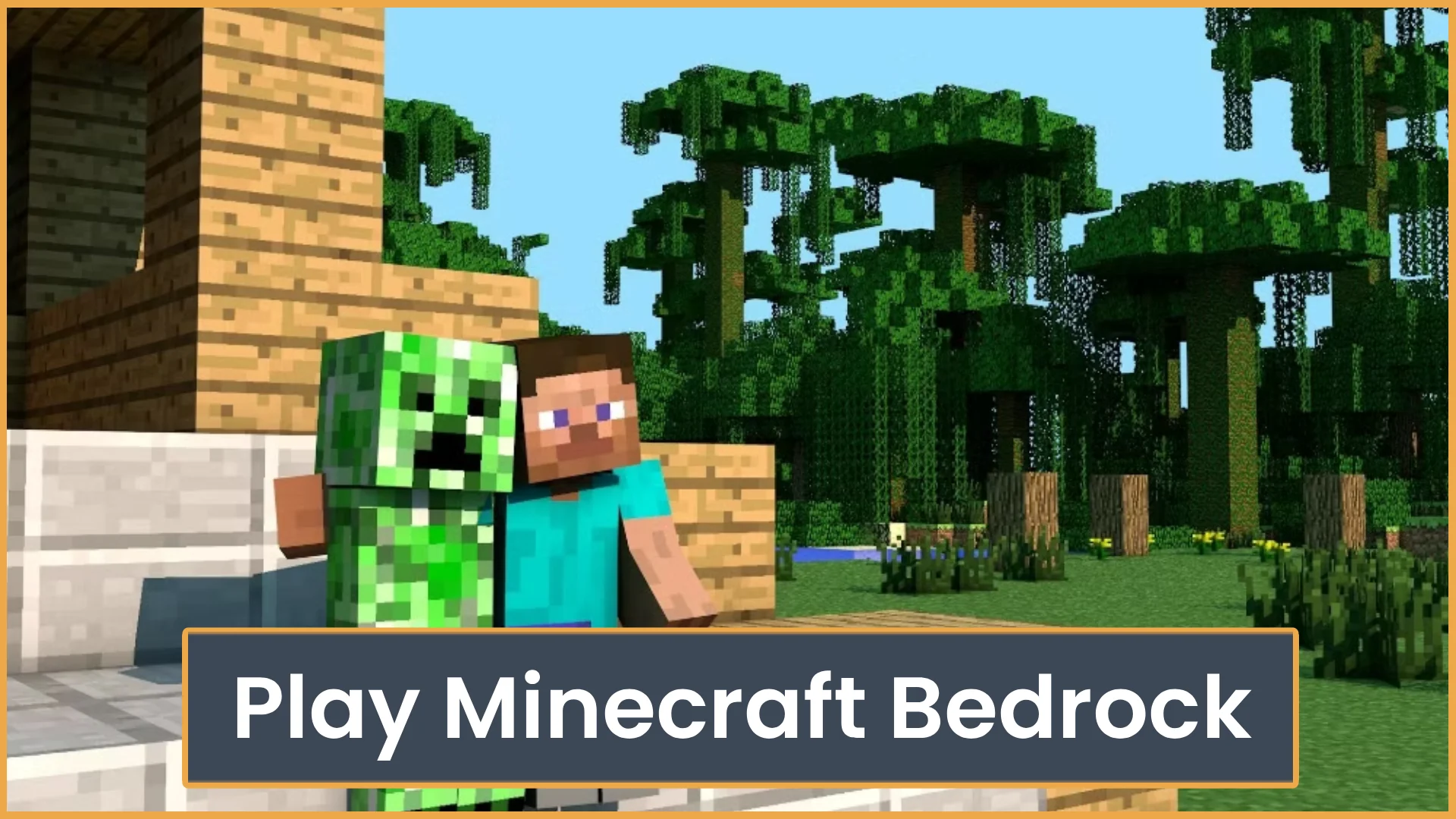
Learn how to play Minecraft Bedrock with friends using invites, Realms, servers, or LAN. This guide also covers cross-play, settings, and common join issues.
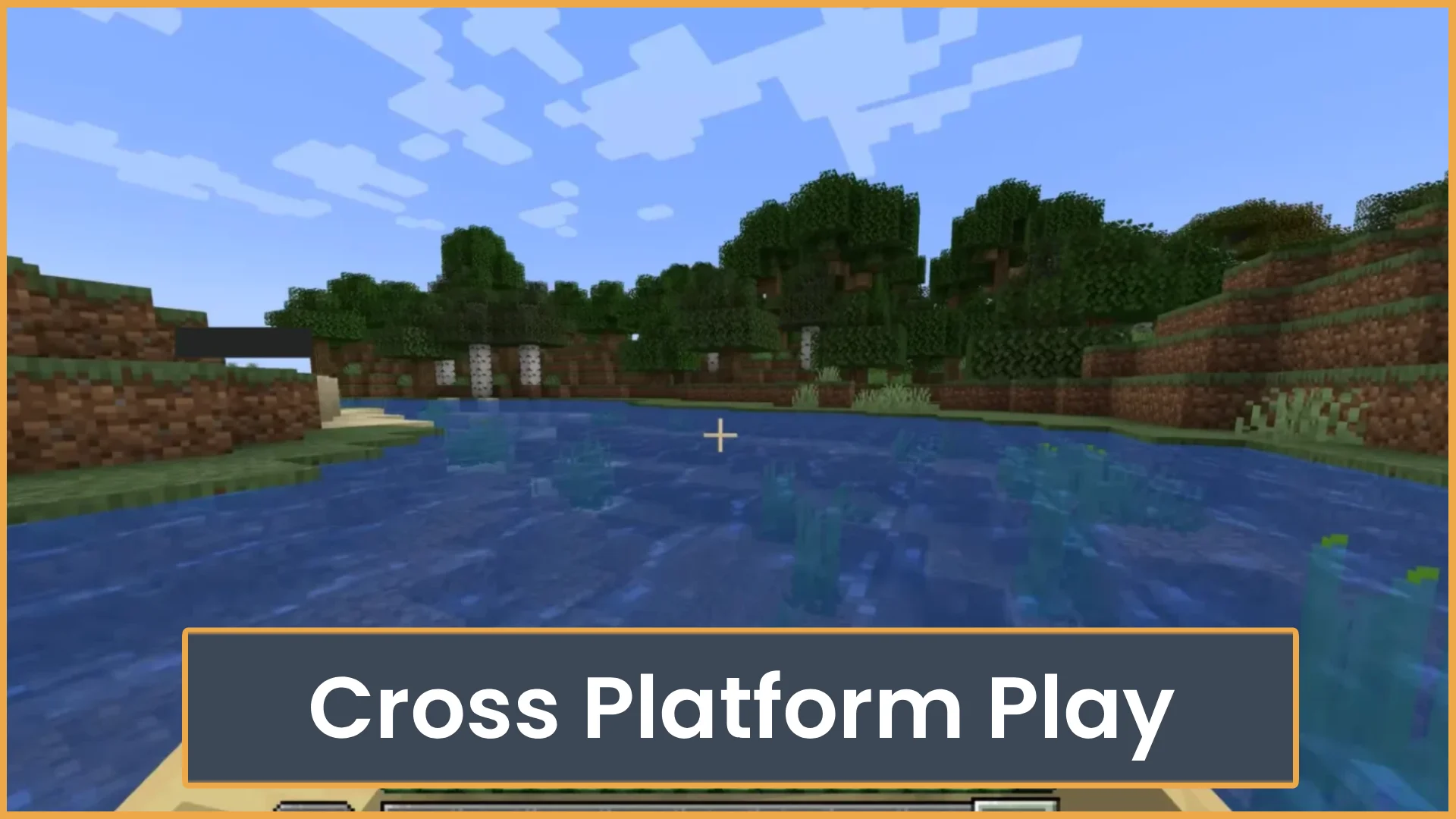
Yes, Minecraft Bedrock is cross platform. See which devices can play together, what accounts you need, and why Java Edition is different.


0/1000
OnlineServerTilt is an independent platform and is not affiliated with, endorsed by, or sponsored by Minecraft or its rights holders.